5 UX/UI Mistakes That Contributed to Real-World Disasters
From nuclear power plants to medical software: five true stories that show how costly a poorly designed interface can be.
- Published on
- 23 Oct 2026
- Reading time
- 7 min
- Written by
- Flaviano Arbia
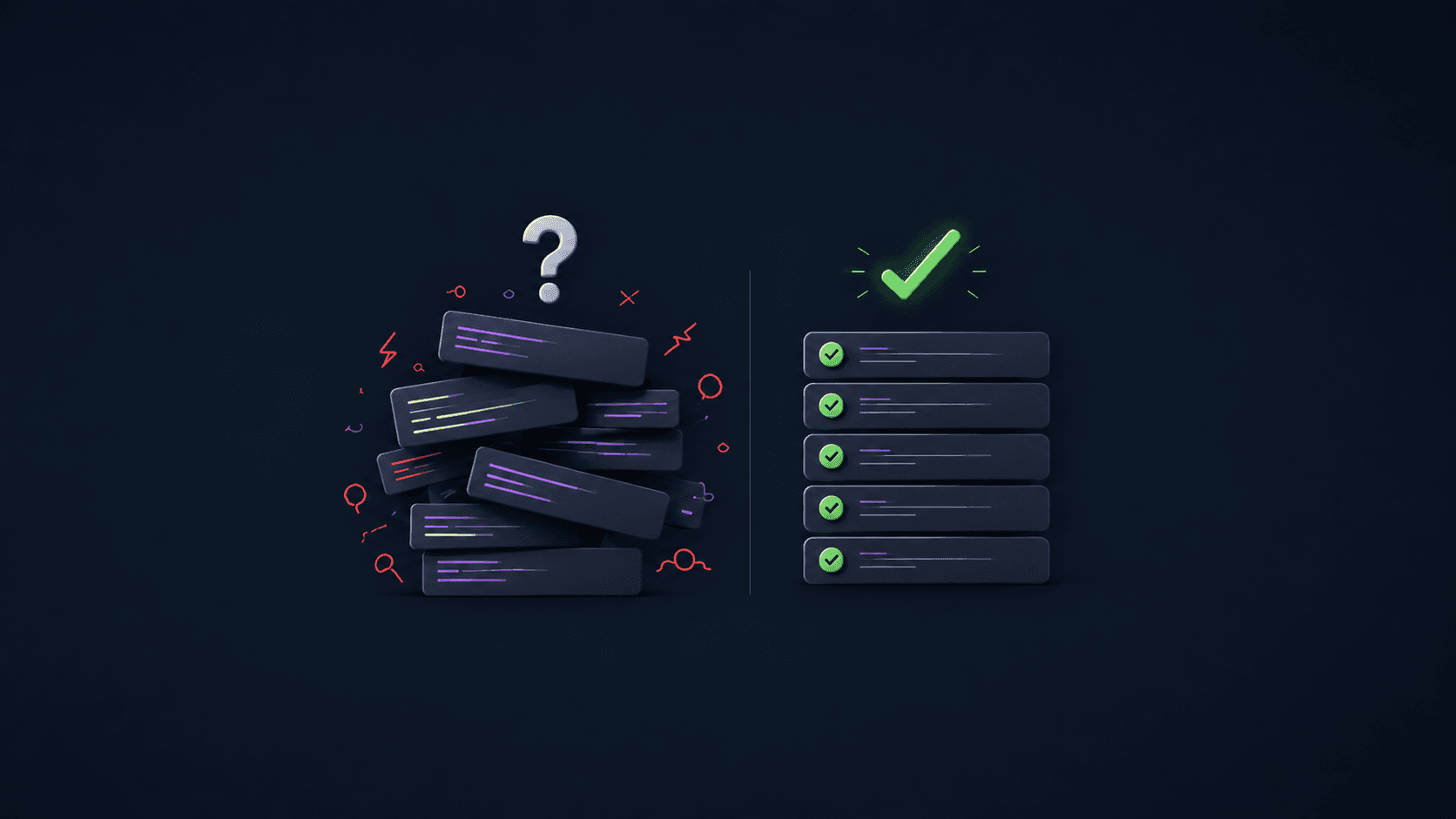
A status light confirming something that never happened. Software returning incorrect results without flagging them. An interface allowing a dangerous action without warning the person using it.
They may seem like minor design flaws. Yet, under certain circumstances, mistakes like these have contributed to incidents with devastating consequences.
When we think about User Experience, we often associate it with how easy it is to use an app or navigate a website.
But UX concerns something more important: how people understand a system, interpret information, and make decisions.
In Life 3.0, physicist Max Tegmark describes several incidents that illustrate just how delicate the interaction between humans and technology can be.
We started with those stories, explored the available investigations, and added other documented cases.
1. Three Mile Island (1979): the indicator that showed a command, not reality
On March 28, 1979, at the Three Mile Island nuclear power plant in Pennsylvania, a safety valve became stuck open during a cooling-system malfunction.
The operators, however, believed it had closed.
Why? An indicator in the control room suggested the valve was closed. In fact, it only showed that the system had issued a command to close it.
That distinction was critical.
The operators misinterpreted the situation and made decisions that contributed to the escalation of the incident, which culminated in a partial meltdown of the reactor core.
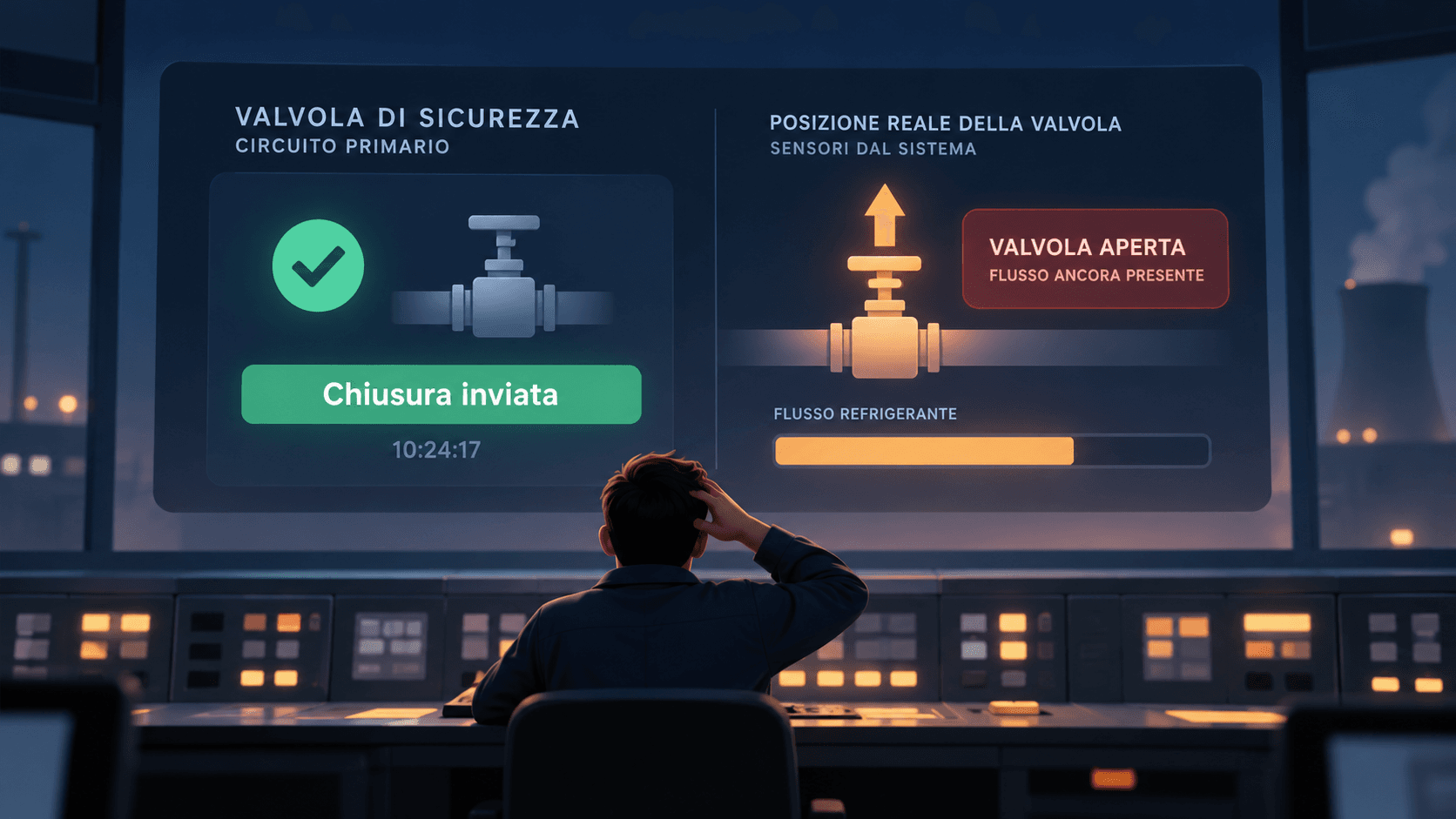
Issuing a command is not the same as verifying a system's actual state. Conceptual illustration, not a historical reconstruction.
The UX mistake
The interface failed to clearly distinguish between two different things: what the system had requested and what had actually happened.
Imagine a business management system displaying payment completed when it has only sent a request to the bank.
The lesson: an interface must distinguish between an action being requested, an operation being processed, and an outcome that has actually been verified.
2. Therac-25 (1985–1987): when an error message fails to explain the danger
In the 1980s, the Therac-25 was a machine used to deliver radiotherapy for cancer treatment.
Between 1985 and 1987, six documented incidents caused severe radiation overdoses. Some patients died; others suffered permanent injuries.
Investigations uncovered software defects and problems with safety systems. But another significant issue emerged: the interface failed to communicate the severity of malfunctions clearly.
Operators could receive messages such as Malfunction 54, without an understandable explanation of the risk.
The machine also frequently generated alerts that did not signal danger. As a result, operators had become accustomed to resuming treatment after certain warnings.
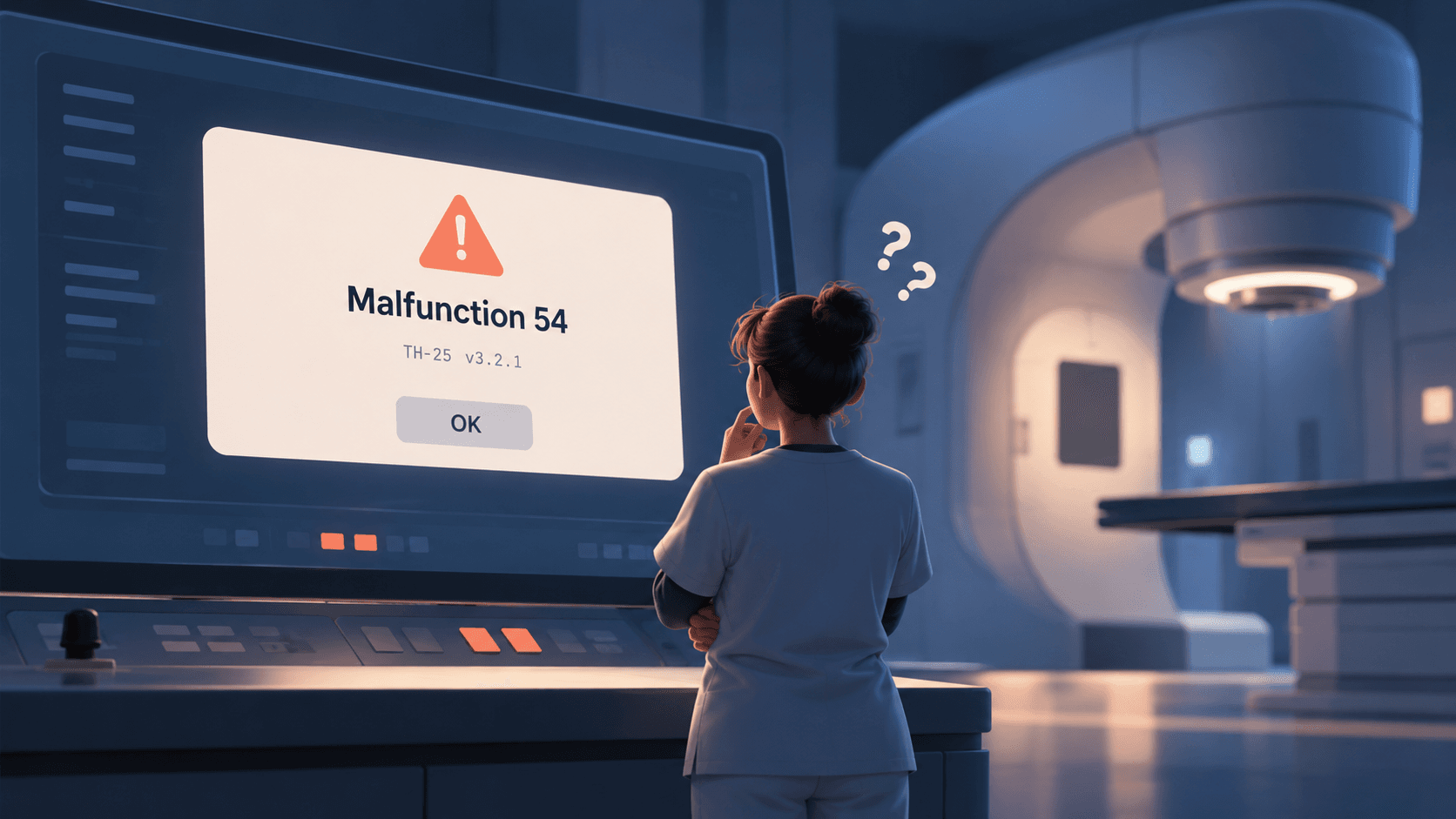
A generic error code does not communicate how serious a problem is. Conceptual illustration, not a historical reconstruction.
The UX mistake
The messages did not help operators distinguish an ordinary issue from a potentially life-threatening condition.
Poor UX was not the only cause: software defects and inadequate safeguards were decisive factors. But the interface made it harder to recognize the danger.
The lesson: an error message should explain what is happening, how serious it is, and what action is safe. In critical systems, the interface must also be backed by independent technical safeguards.
3. Panama (2000–2001): the software that displayed plausible but incorrect results
Between 2000 and 2001, at the National Oncology Institute in Panama, 28 patients received excessive radiation doses during cancer treatment.
The problem originated in the software used to plan the treatments.
The program limited the number of shielding blocks that could be entered individually. Operators had found a workaround to bypass this restriction.
The software accepted certain configurations but calculated incorrect treatment times.
The most troubling part?
The graphical representation of the treatment looked correct.
The software produced dangerously wrong results while presenting them through an apparently trustworthy interface.
According to the International Atomic Energy Agency's report, at the time of the 2001 investigation, five deaths were considered probably attributable to radiation overexposure.
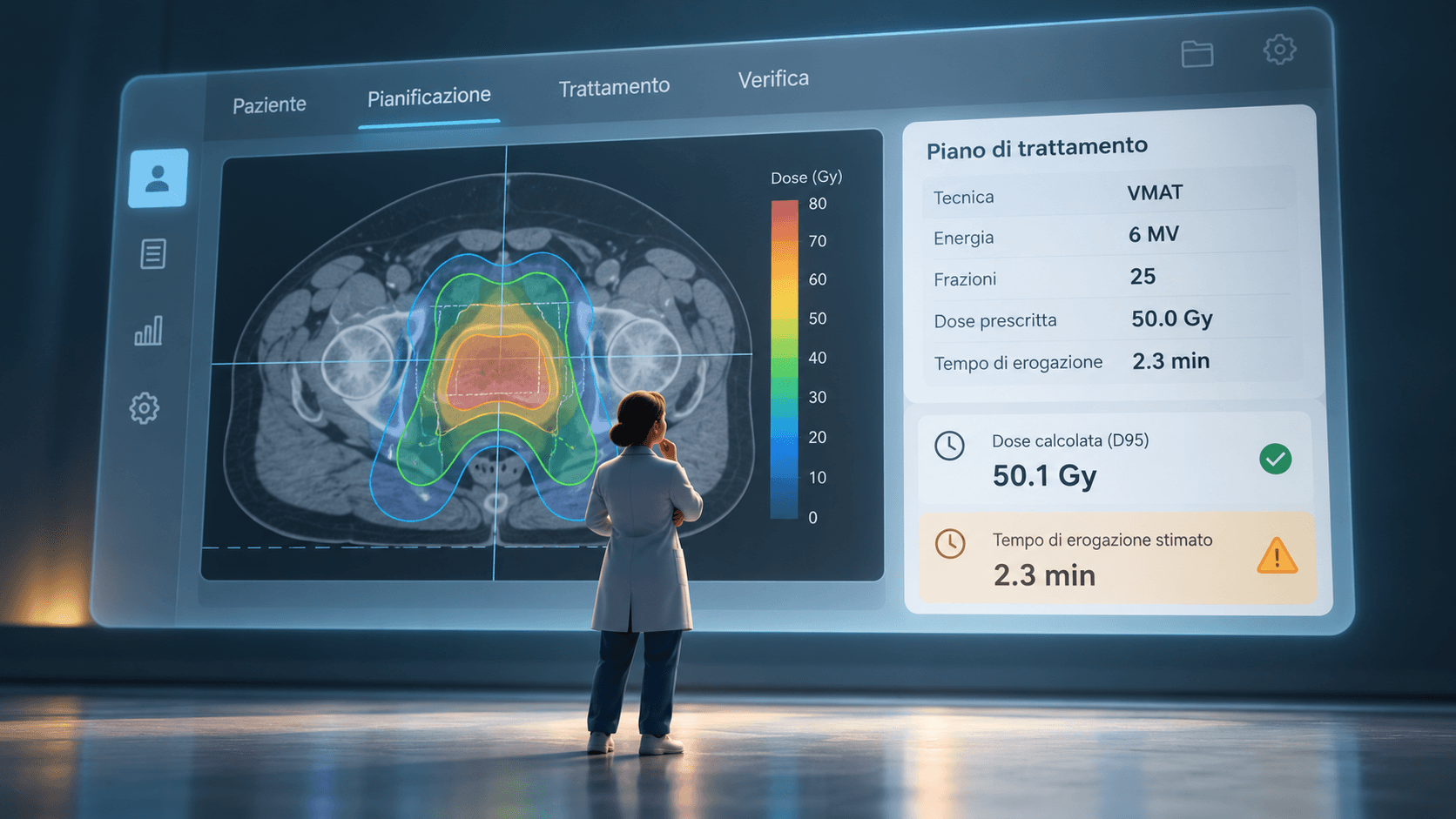
A visually plausible result can hide a calculation error. Conceptual illustration, not a historical reconstruction.
The UX mistake
The system accepted inputs it could not handle correctly, without blocking the operation or making abnormal results apparent. The lack of independent checks also contributed to the incident.
The lesson: software should help prevent users from entering configurations that are incompatible with its constraints.
A visually polished result is not necessarily a correct one.
4. USS John S. McCain (2017): when a touchscreen makes a command more complicated
On August 21, 2017, the U.S. Navy destroyer USS John S. McCain collided with an oil tanker in the Singapore Strait.
Ten sailors died and 48 others were injured.
The collision followed a series of actions intended to transfer steering and propulsion control between different stations.
During the transfer, some controls moved to a different station than expected.
The crew believed they had lost control of the ship, when in reality the system was configured differently from what the operators understood.
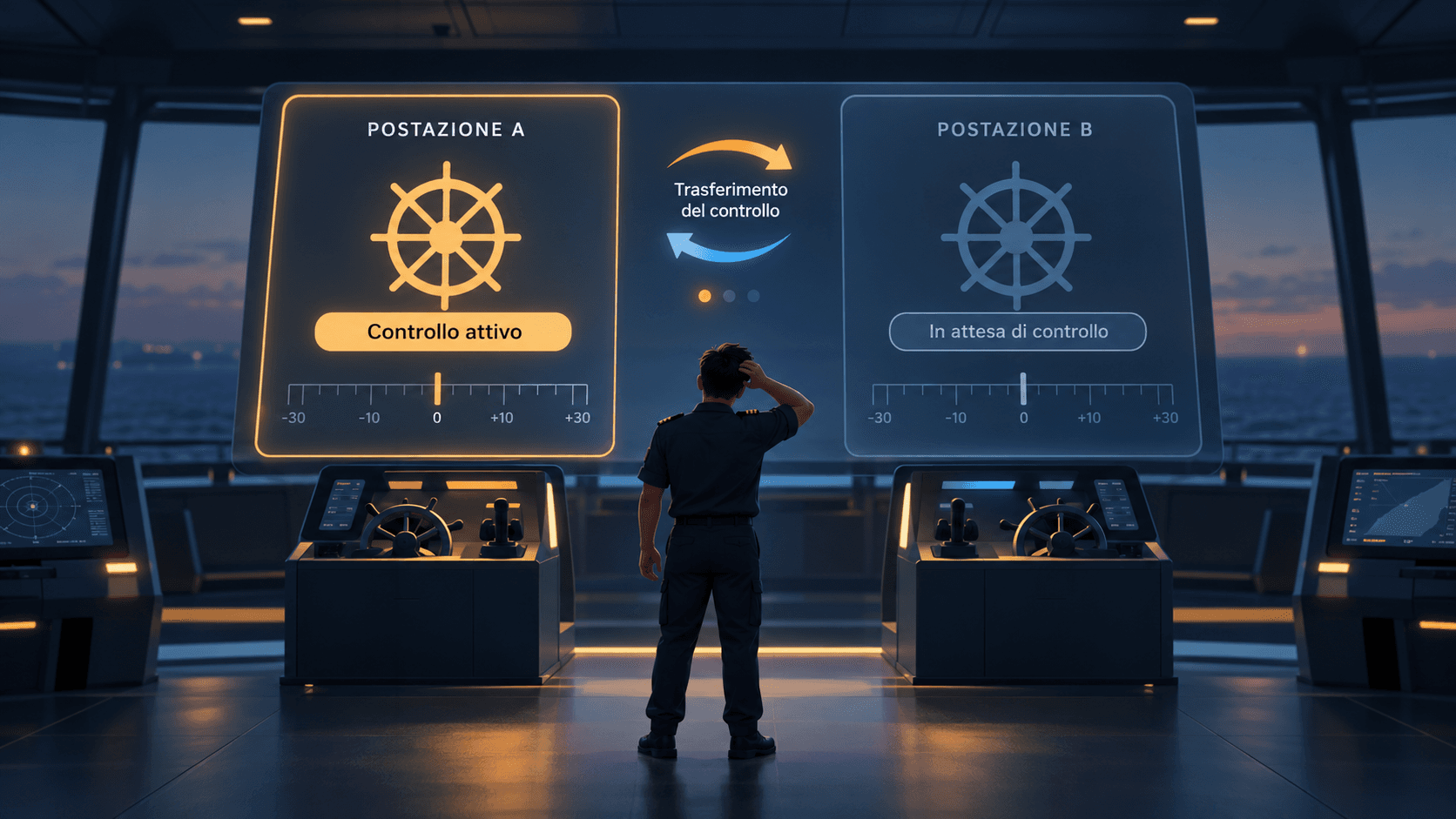
A transfer of control between stations must be clearly recognizable. Conceptual illustration, not a historical reconstruction.
The UX mistake
Investigations identified failures in training, supervision, and operational procedures, as well as weaknesses in control design.
The touchscreens did not provide the same tactile feedback as mechanical controls, and the distribution of functions between stations could be unintuitive.
The lesson: making an interface digital does not necessarily make it better.
Controls should be designed for the context in which they are used, not simply around the technology available.
5. Hawaii (2018): the menu that contributed to a false missile alert
On January 13, 2018, people in Hawaii received an emergency message on their phones.
The alert warned of an incoming missile attack and instructed people to seek shelter immediately.
There was no attack.
It was a false alarm, but it took 38 minutes for an official correction to be issued through the alert system.
The mistake occurred during an internal drill. An operator interpreted the simulation as a real threat and sent the alert.
The system allowed operators to select test messages and public alerts from a menu.
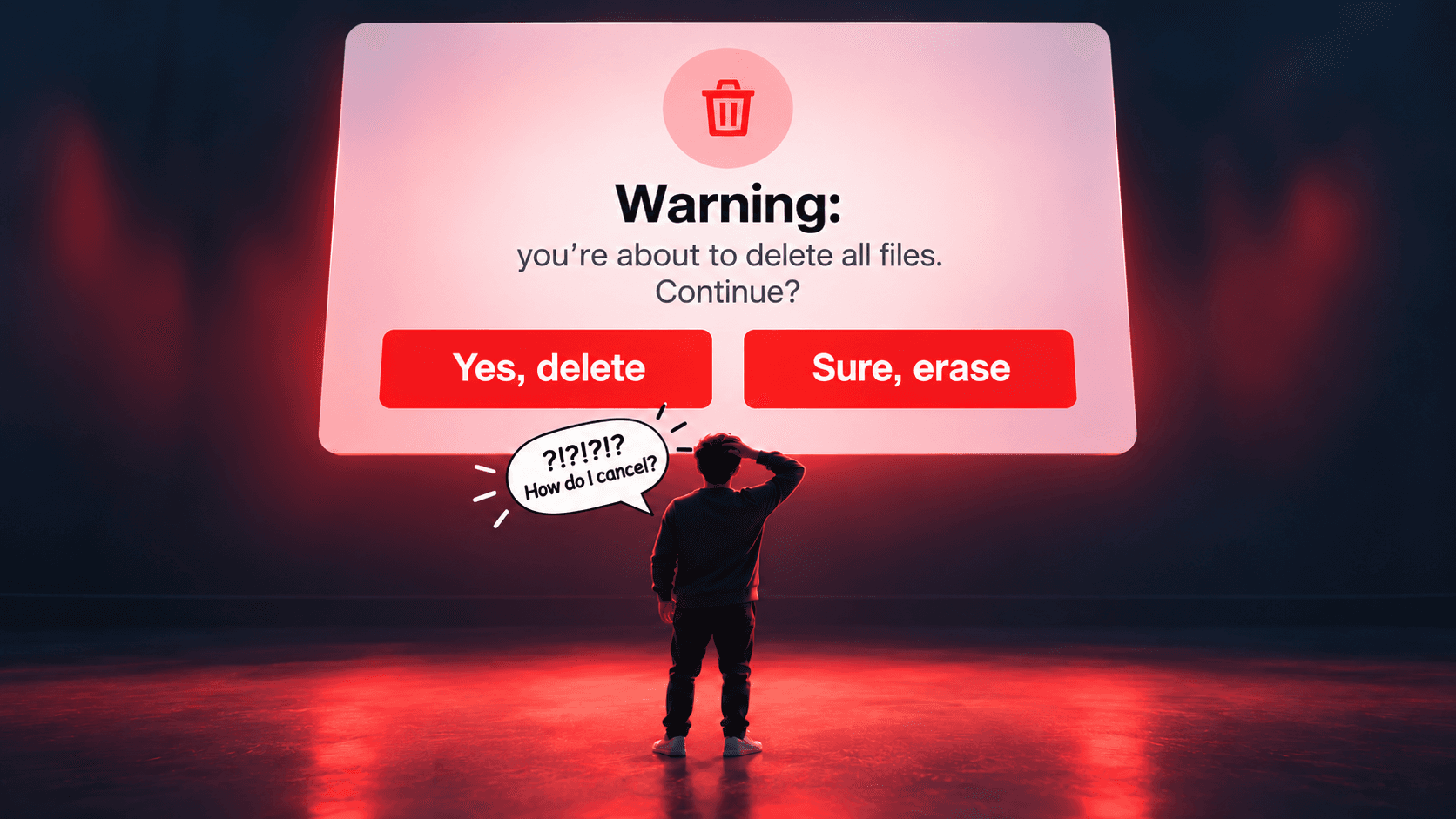
Before sending, it displayed a generic confirmation prompt without showing the exact message again.
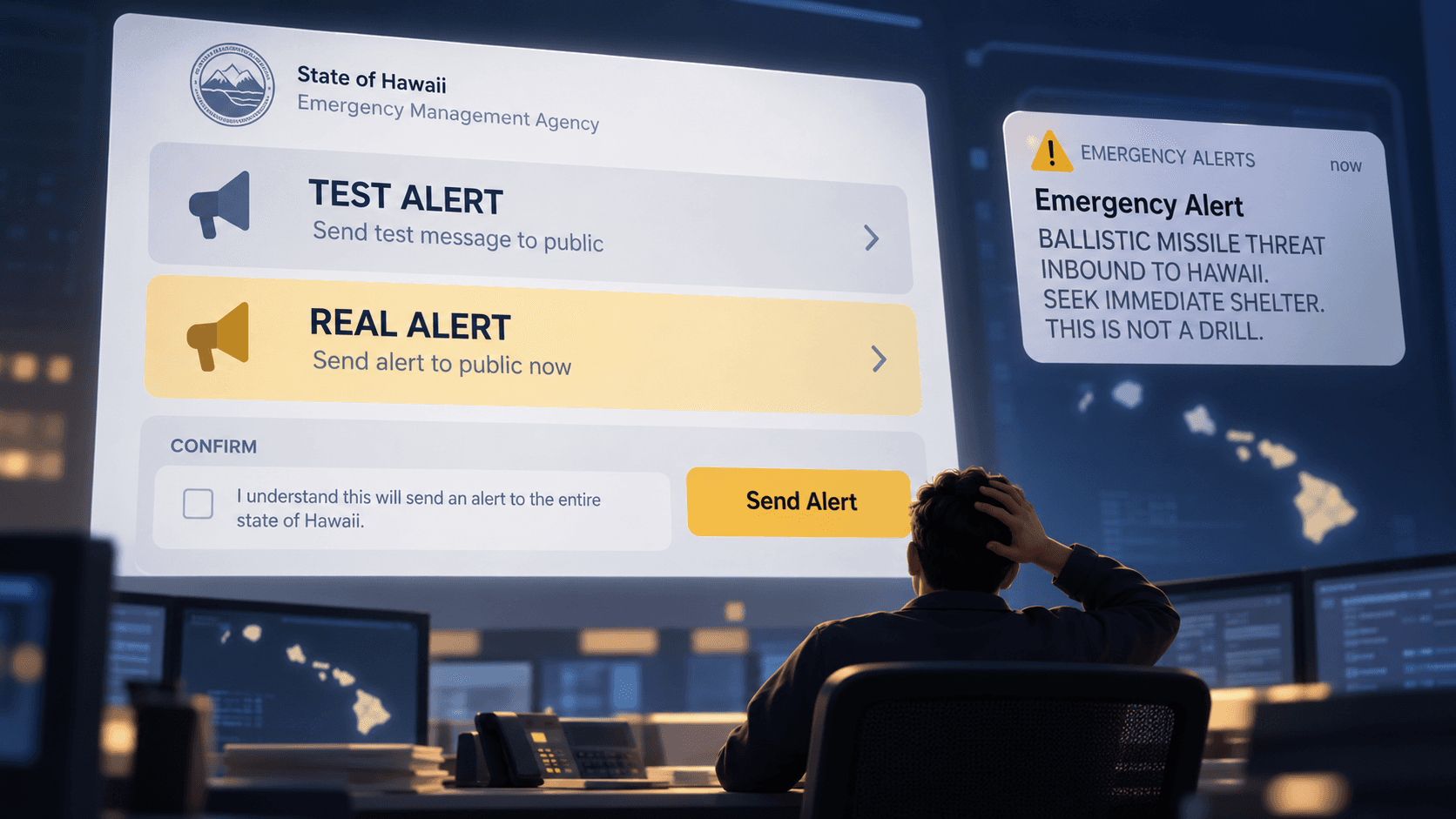
A public emergency alert requires stronger safeguards than a generic confirmation prompt. Conceptual illustration, not a historical reconstruction.
The UX mistake
The interface and procedures did not provide sufficient safeguards to prevent one person's mistake from becoming a public emergency alert.
The Federal Communications Commission's investigation also identified organizational and supervisory failures.
The lesson: the riskier an action is, or the harder it is to undo, the stronger the checks must be before it is carried out.
A simple Confirm button is not always enough.
What do these incidents have in common?
Five different settings, but recurring problems:
- Ambiguous information: the system communicates a state that can be misinterpreted.
- Insufficient feedback: the user cannot understand what is actually happening.
- Weak error prevention: the software allows risky operations without adequate checks.
- Interfaces poorly suited to their context: the system's behavior does not match the needs of the people using it.
These incidents do not prove that UX alone was responsible for the disasters.
They do show, however, that the design of human–technology interaction can contribute to safety or become an additional risk factor.
It doesn't take a disaster to see the cost of poor UX
Fortunately, most business software does not control nuclear reactors or emergency alert systems.
But the same flaws can appear in the tools we use every day.
A management system confirming an operation that was never completed. A dashboard hiding important information. A system that lets users delete data with no way to recover it.
The consequences may be less dramatic, but they can still be costly: incorrect orders, duplicate payments, wasted hours, and dissatisfied customers.
Often, businesses respond by adding procedures, manual checks, and training.
When what they may actually need is to redesign the software.
Good UX does not necessarily eliminate complexity. It makes complexity understandable, manageable, and controllable.
This is also the principle behind our work at Mokap Studio.
Through UX/UI Design and Product Design, we help companies design and improve software by starting with people and real-world workflows.
Because software can work correctly from a technical standpoint and still be difficult to use.
And because clarity is not an aesthetic detail. It is a feature.
Do you have software that causes errors, slows your team down, or makes work unnecessarily complicated?
Let's talk. We'll start with the problem and work out together what could work better.
Sources and references
This article draws inspiration from incidents discussed by Max Tegmark in Life 3.0, explored further through research and official reports.
- Max Tegmark — Life 3.0: Being Human in the Age of Artificial Intelligence (Italian edition: Vita 3.0. Essere umani nell'era dell'intelligenza artificiale), Raffaello Cortina Editore, 2018.
- U.S. Nuclear Regulatory Commission — Backgrounder on the Three Mile Island Accident.
- Nancy G. Leveson and Clark S. Turner — An Investigation of the Therac-25 Accidents, IEEE Computer, 1993.
- International Atomic Energy Agency — Radiological Emergency in Panama, 2001.
- National Transportation Safety Board — Collision between USS John S. McCain and Alnic MC.
- Federal Communications Commission — Report and Recommendations on the Hawaii False Alert, 2018.